Wcag
Why every finding in our audit reports starts with a user story
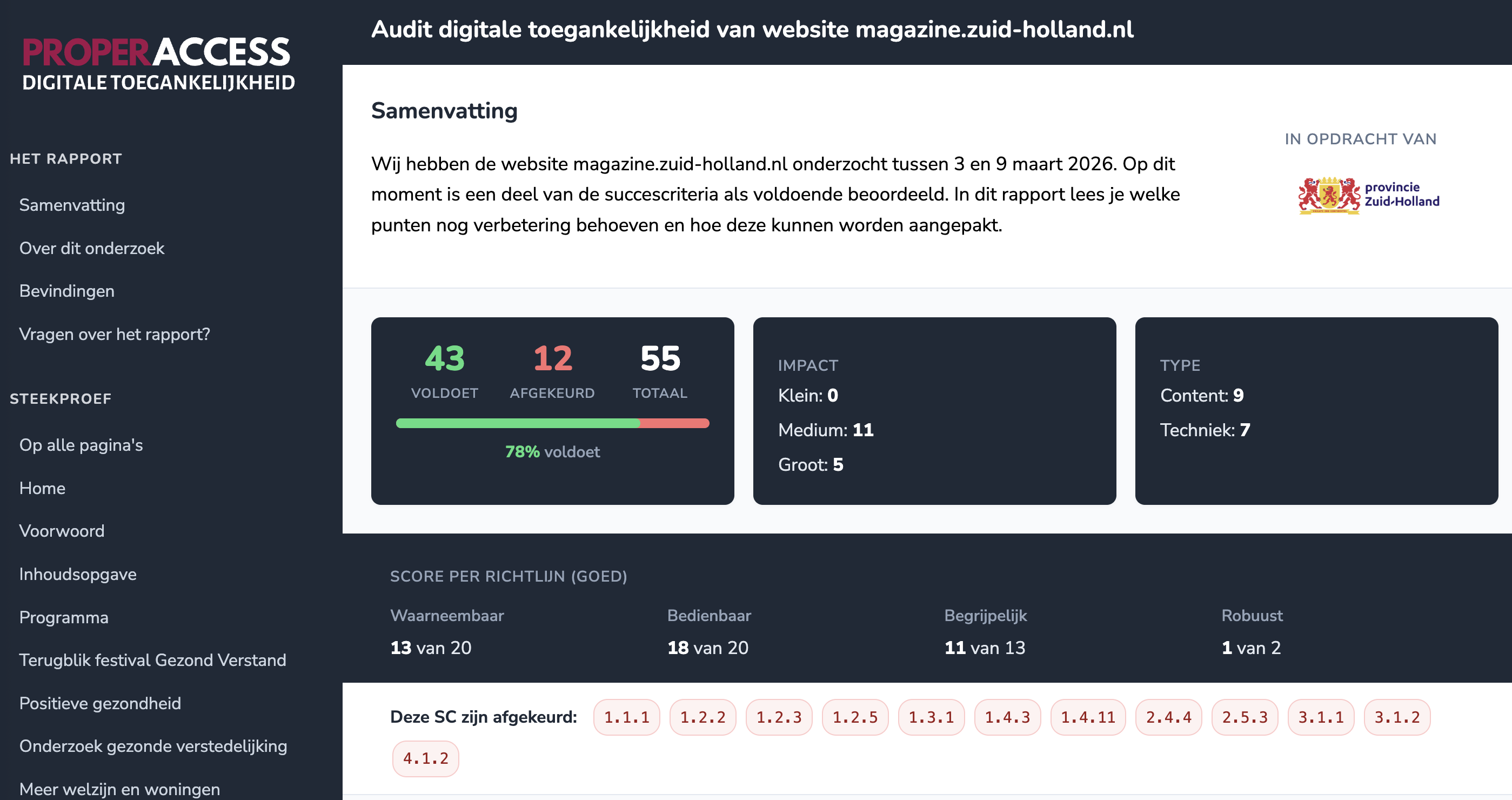
Atlassian writes about user stories: “A user story puts end users first. After reading a user story, the team knows why it is building, what it is building, and what value it creates.” We took that idea and asked: what happens if you apply it to an accessibility audit report? The answer turned out to be straightforward. The report becomes readable for everyone who has to act on it, not just the auditor who wrote it.

Can AI see that your text is too light?
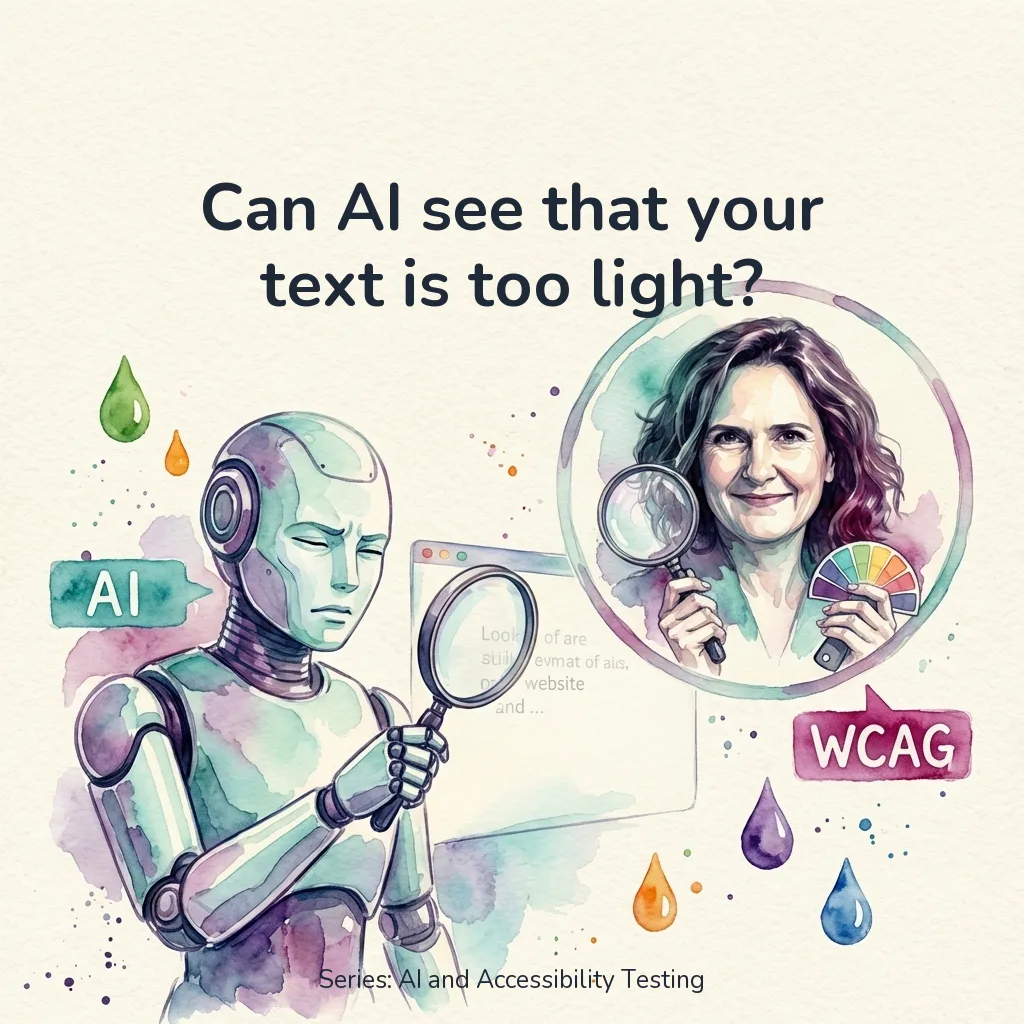
Can AI see that your text is too light? Green on white. Orange on white. Light gray on white. It looks fresh. Colorful. Modern. But for someone with low vision, that text disappears into the background. And it’s not just older people. On a screen in sunlight or during a busy day, light text is the difference between reading and giving up. This is the most common contrast problem I encounter in audits (WCAG 1.4.3). Nearly every website has it somewhere. Often in exactly the elements that make the design feel “fresh” and “modern.” In the previous test, I gave AI a piece of code. This time I’m doing something different: I’m giving AI a screenshot of a real website. No code, no HTML, no CSS. Just an image. Can AI vision see what’s wrong?
AI test: Can AI detect a div pretending to be a button?
Can AI detect a div pretending to be a button? A <div> with an onclick. Looks like a button. Does something when you click it. But press Tab and nothing happens. Enter? Nothing either. For a keyboard user, this button doesn’t exist. This is the number 1 keyboard issue I encounter in audits (WCAG 2.1.1). And the easiest to fix: replace the div with a <button>. But can AI find this problem too? And not just in a code snippet, but on a real, live website?
Can AI test your website for accessibility? I'm going to find out
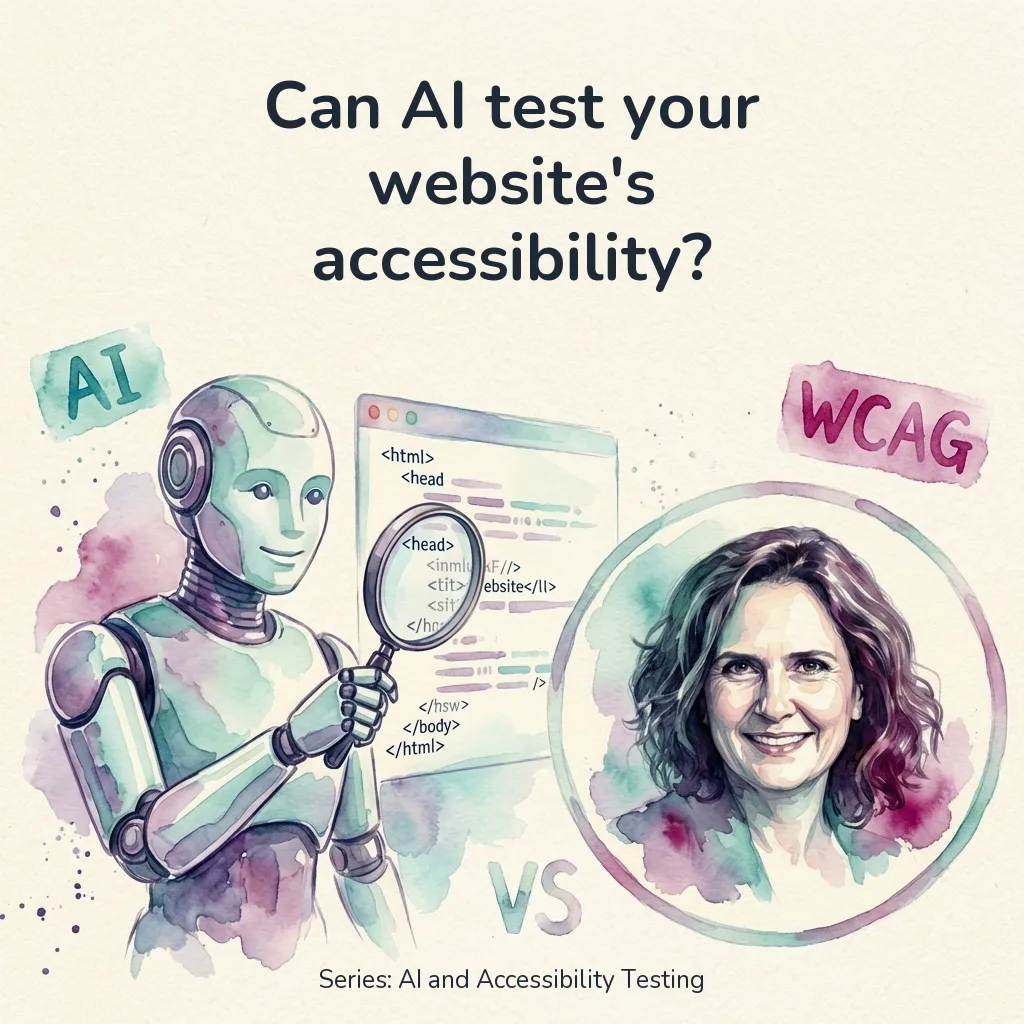
Can AI test your website for accessibility? “Can’t ChatGPT just check my website?” I hear this question more and more. From developers who want their code reviewed. From product owners without the budget for a full audit. From e-commerce owners who really should have been EAA-compliant yesterday. It’s a fair question. AI can write code, grade essays, and analyze medical scans. Why wouldn’t it be able to spot that your contrast ratio is too low, or that your button has no accessible name? The short answer: AI can do quite a lot. It’s getting smarter by the day. But there are limitations and drawbacks. The longer answer? That depends on what exactly you want to do, which tools you use, how much you’re willing to pay, and how long you’re willing to wait. In this series, we’re going to find out. Over a series of articles, I’ll test exactly what AI can and can’t detect when it comes to accessibility issues. No theory, no assumptions. Real tests with real code.