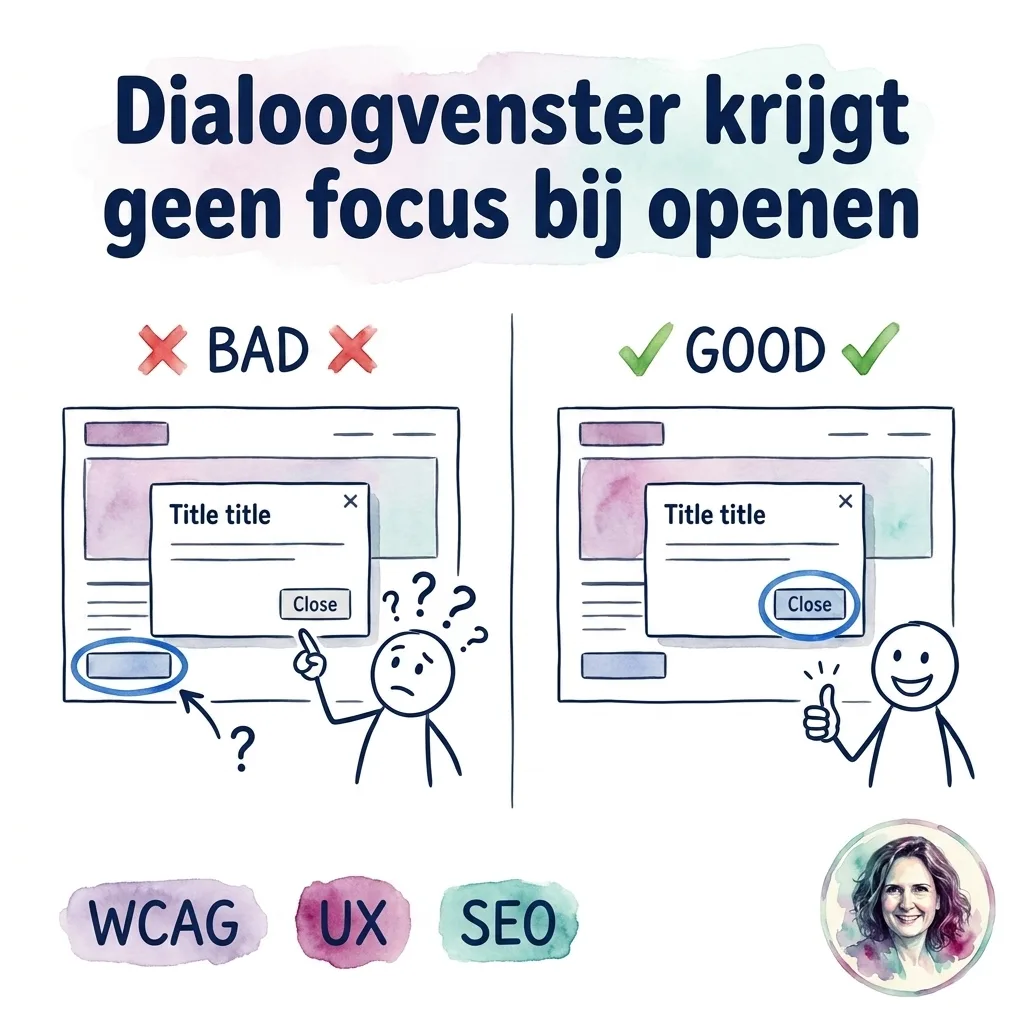

De cookie-popup is open. Je tabt door de opties. Accepteren. Weigeren. Instellingen.
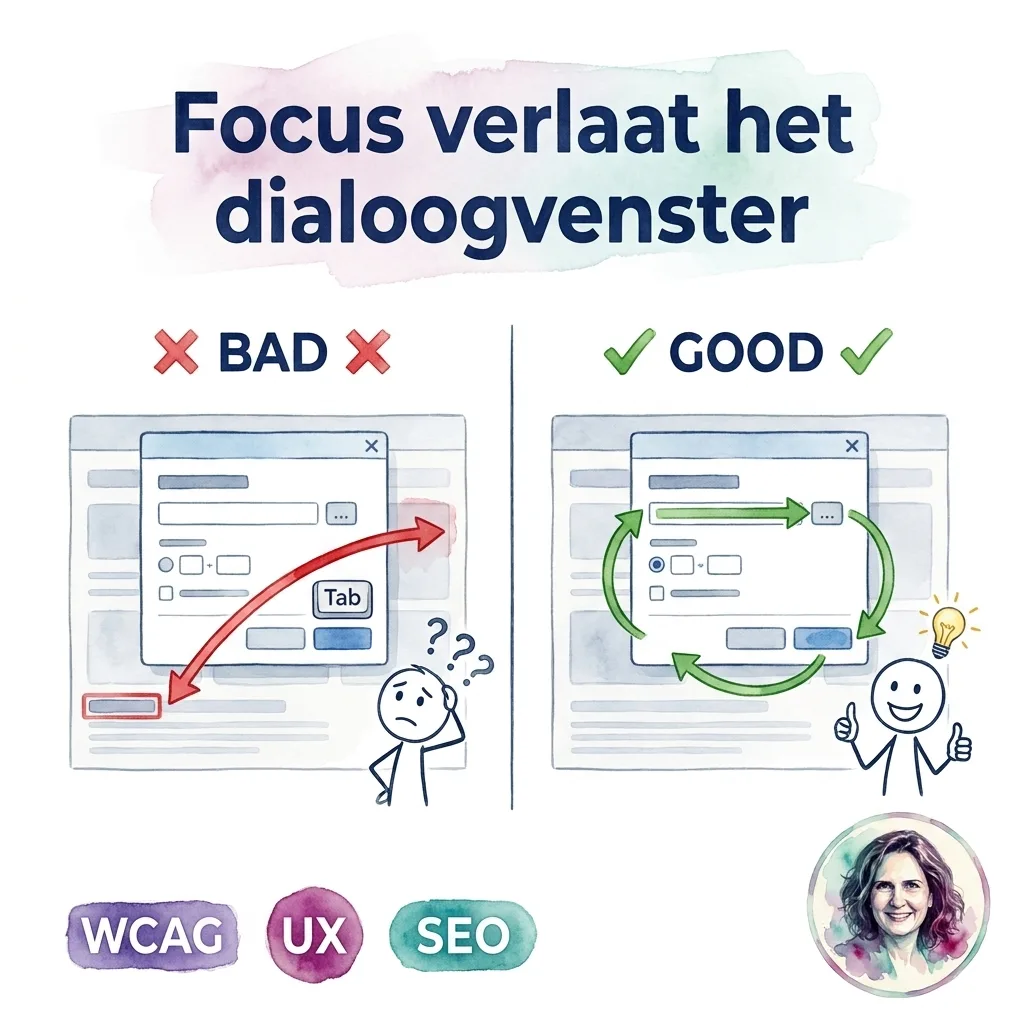
Tab. En ineens zit je in de footer. Achter de popup. De focus is ontsnapt.
Een dialoogvenster dat de pagina bedekt, houdt de focus gevangen. Na het laatste element gaat de focus terug naar het eerste element in het venster. Dat heet een focus trap.
Zonder focus trap navigeer je door de hele achterliggende pagina terwijl de popup er nog is. Je ziet niet waar je focus is. Je weet niet waar je bent.
// Focus trap in een dialoogvenster
function trapFocus(dialog) {
  const focusable = dialog.querySelectorAll(
    'button, [href], input, select, textarea'
  );
  const first = focusable[0];
  const last = focusable[focusable.length - 1];

  dialog.addEventListener("keydown", (e) => {
    if (e.key === "Escape") { sluitDialog(); return; }
    if (e.key !== "Tab") return;

    if (e.shiftKey && document.activeElement === first) {
      e.preventDefault();
      last.focus();
    } else if (!e.shiftKey && document.activeElement === last) {
      e.preventDefault();
      first.focus();
    }
  });
}
Of: gebruik <dialog> met showModal(). Die regelt de focus trap automatisch.
Test: open een popup, tab herhaaldelijk. Blijf je in het venster? Of ontsnap je naar de achtergrond?